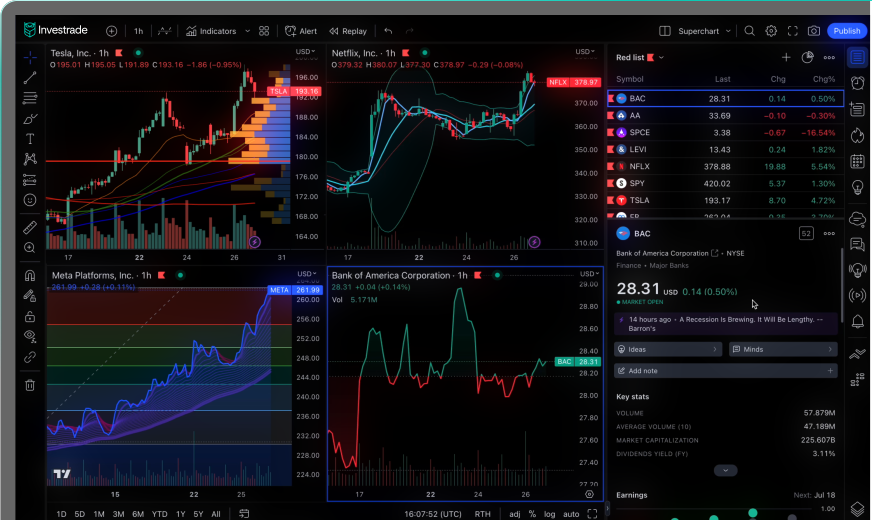
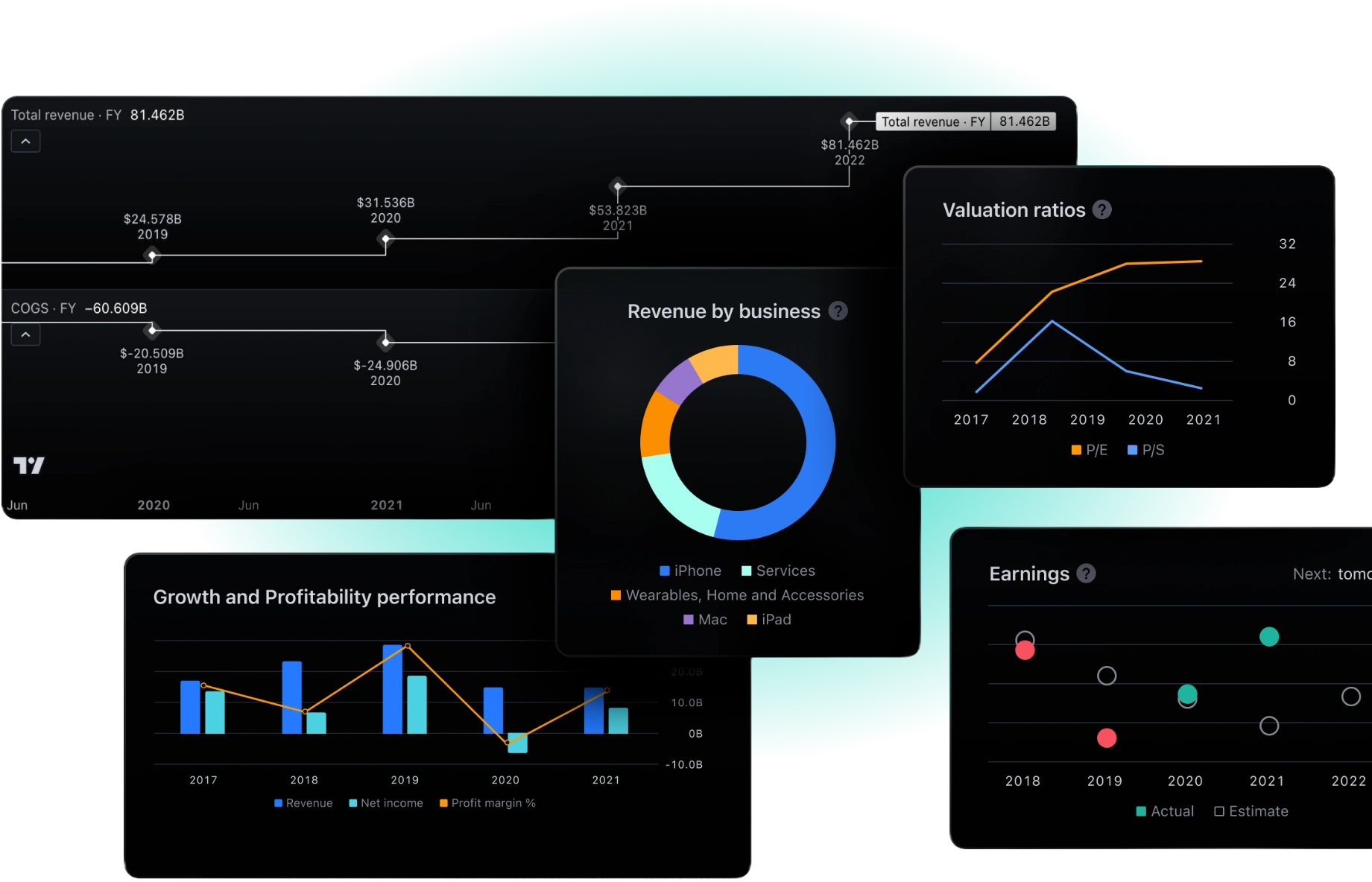
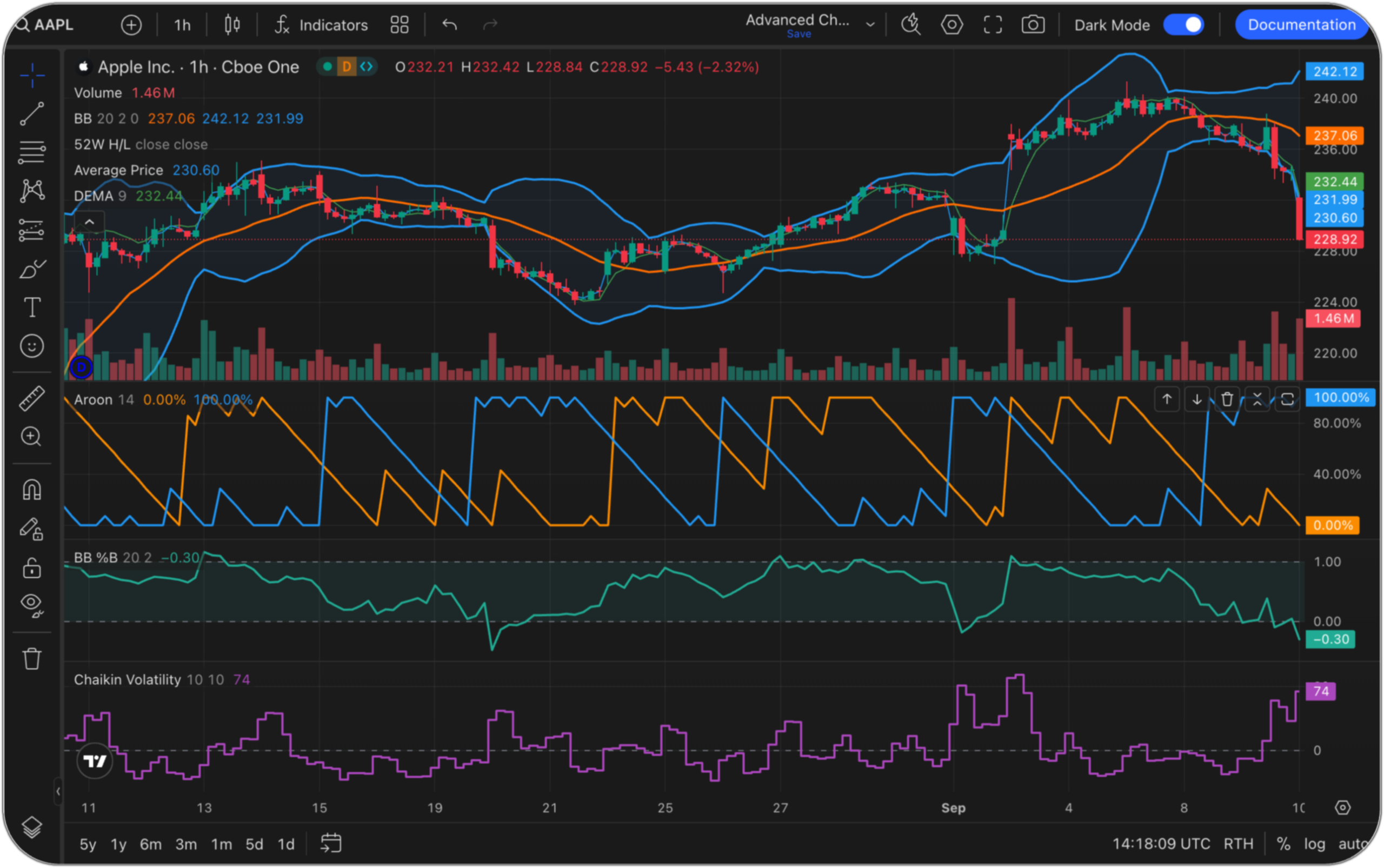
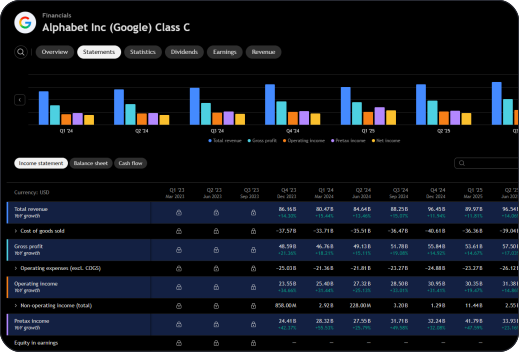
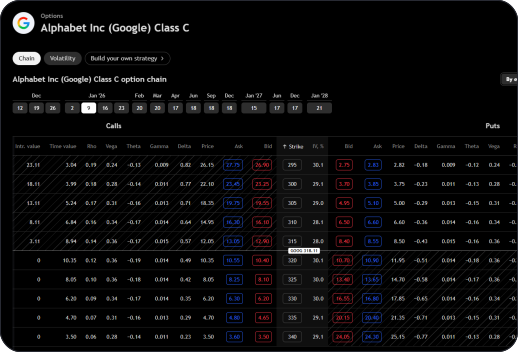
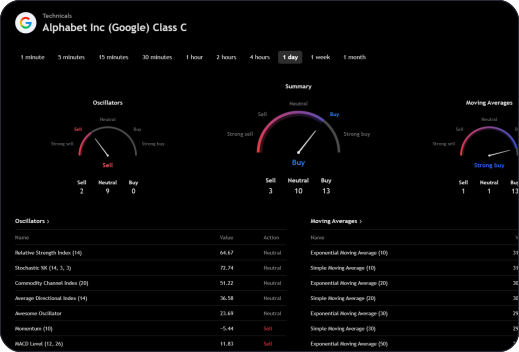
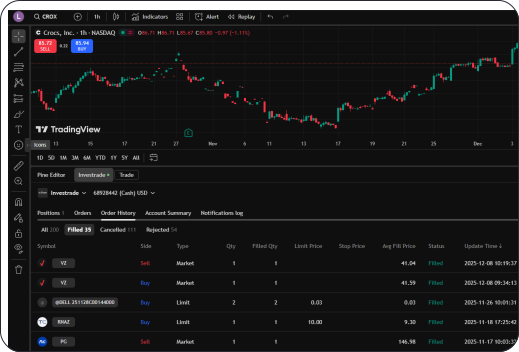
TradingView is one of the most widely used charting and trading platforms in the world. Rely on it for advanced charts, technical indicators, strategy tools,and real-time market insight across asset classes.
With Investrade, you can now place trades directly within TradingView – no switching platforms, no duplicate workflows.

Open a free Investrade brokerage account.
Place, manage, set price alerts and adjust trades directly on the chart, with your Investrade account connected.
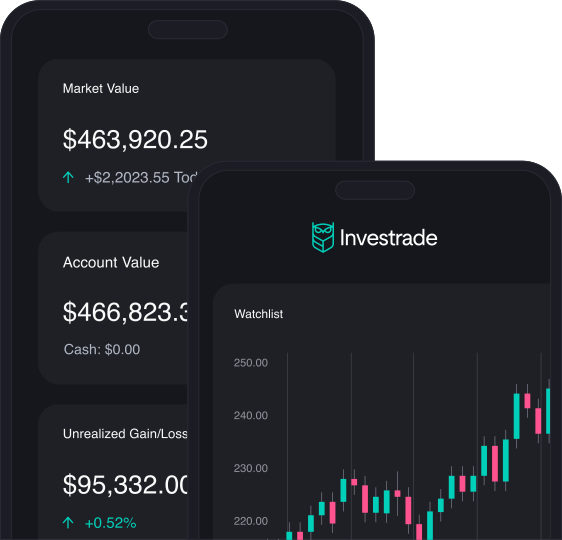
Enhance your experience with the powerful desktop terminal or trade on the go in the mobile app.
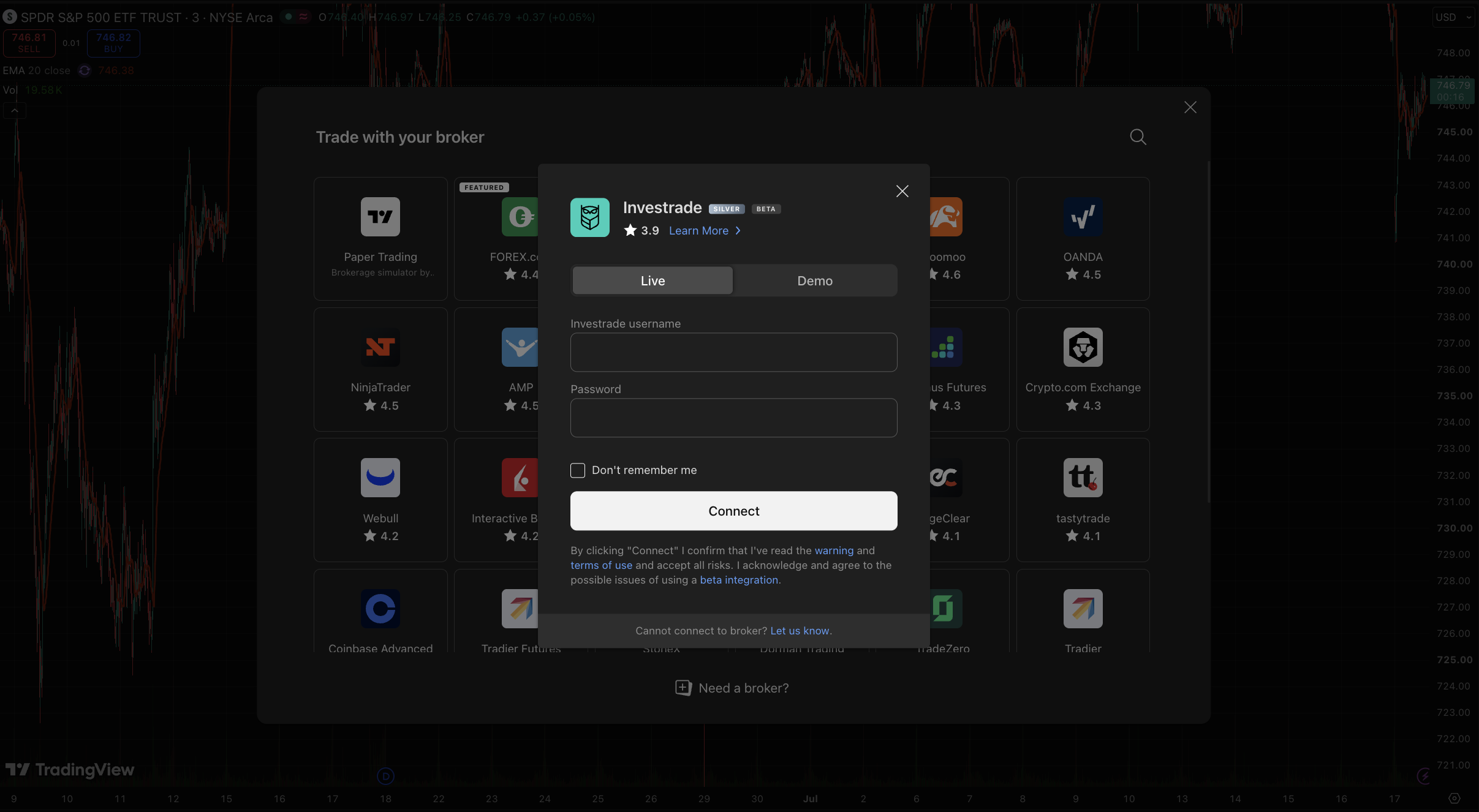
Log in to TradingView, open any chart, and click the Trading Panel at the bottom of the screen. Select Investrade from the list of supported brokers, then sign in with your Investrade credentials to authorize the connection. Once linked, you can place and manage trades directly from your TradingView charts using your Investrade account. To get started, visit investrade.com/tradingview.
Yes! You can use any Investrade account on TradingView including both LIVE and DEMO. You can switch between them upon sign on using the toggle at the top of the sign in. If you have multiple live or demo accounts you can switch between them by choosing the account number in the trading panel. Note: When using your DEMO credentials the funds are simulated and the market data will be delayed. Use this feature to test and practice your trading strategy.
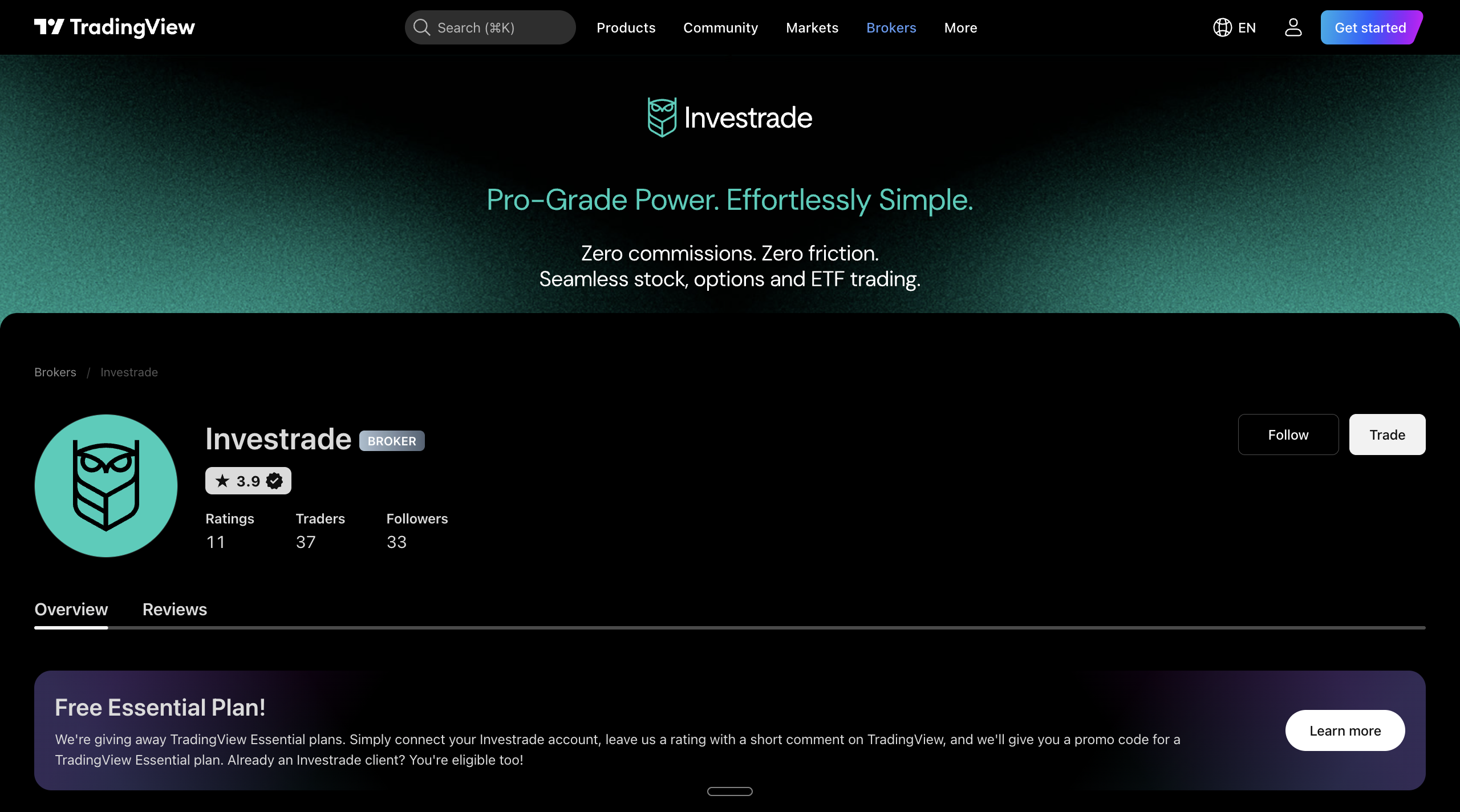
Yes. You will need both an Investrade brokerage account and a TradingView account. If you do not have a TradingView account yet, go to tradingview.com, click the member icon in the top right corner, and select “Sign In” to create one. From there you can connect your Investrade account and start trading from the charts. You can also review the Investrade broker page on TradingView.
Through the TradingView integration you can trade stocks, options, and ETFs using your Investrade account. Orders route to Investrade for execution, so all trading follows Investrade’s standard order handling and account rules.
Connecting Investrade to TradingView is free. Investrade charges $0 commissions on stocks and options, so you only pay any applicable regulatory fees. A TradingView account is required, and TradingView offers its own paid plans for advanced charting features if you want them, but those plans are optional and separate from your Investrade account.
TradingView works in all modern web browsers and also offers desktop and mobile apps. You can connect and trade with your Investrade account across any of them once the accounts are linked.
TradingView is your charting and order-entry layer, not your broker or custodian. All account transactions, including deposits, withdrawals, and transfers, are handled through Investrade. Manage your funds by logging in to your Investrade account. Learn more here.
Yes! Investrade support DEMO accounts that let you place simulated trades without risking real funds. Open a demo account here and you can use the credentials to sign into TradingView. Keep in mind that paper trading does not reflect the real order speed and execution you get when trading live through your connected Investrade account. Open a live account here.
Yes. Because your orders route to Investrade for execution, your trades, positions, and balances stay in sync with your Investrade account. TradingView gives you the charts and order entry, while Investrade remains the system of record for your holdings and account activity.
You can unlink your account at any time from the Trading Panel in TradingView by selecting your Investrade connection and choosing to disconnect. Disconnecting only removes the link between the two platforms. Your Investrade account, funds, and any open positions remain fully intact and continue to be managed through Investrade.
Start with TradingView’s Help Center for step-by-step articles, and browse TradingView’s YouTube channel for video walkthroughs. For anything specific to your Investrade account, such as funding, order status, or account settings, contact Investrade support and our team will assist you.
Questions about your TradingView integration? Give us a call at 888-793-5333 or email us at support@investrade.com.